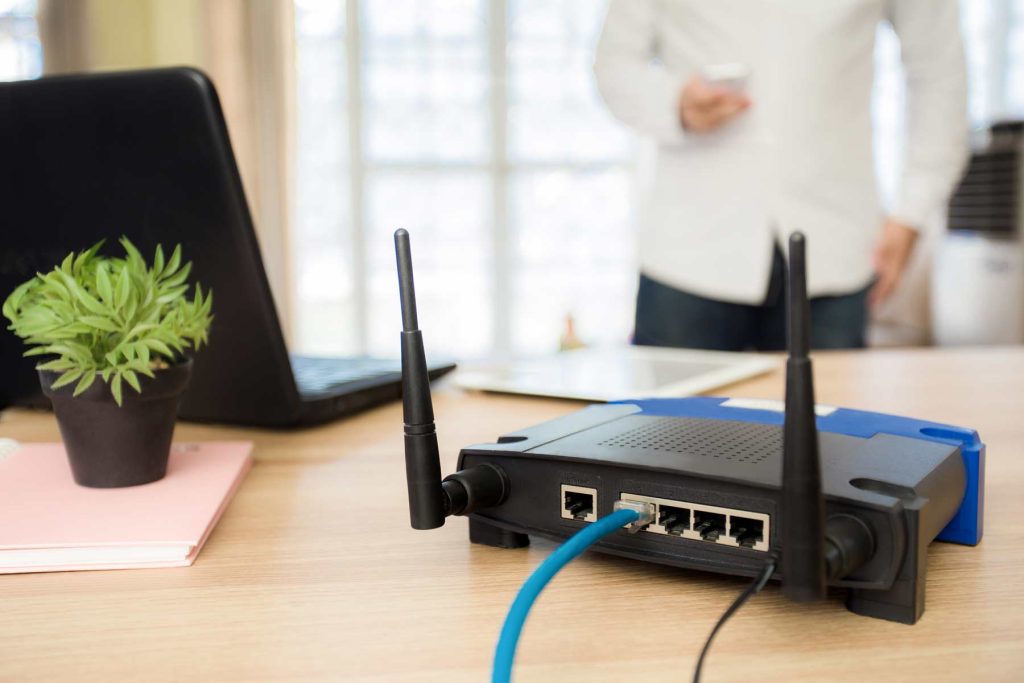
Wireless Access Point & WiFi Installation in Los Angeles
Licensed WAP installation and enterprise WiFi network design for commercial businesses across Los Angeles County. Every wireless deployment starts with proper structured cabling — Cat6A home runs, PoE infrastructure, and a validated site survey before a single access point goes on the ceiling.
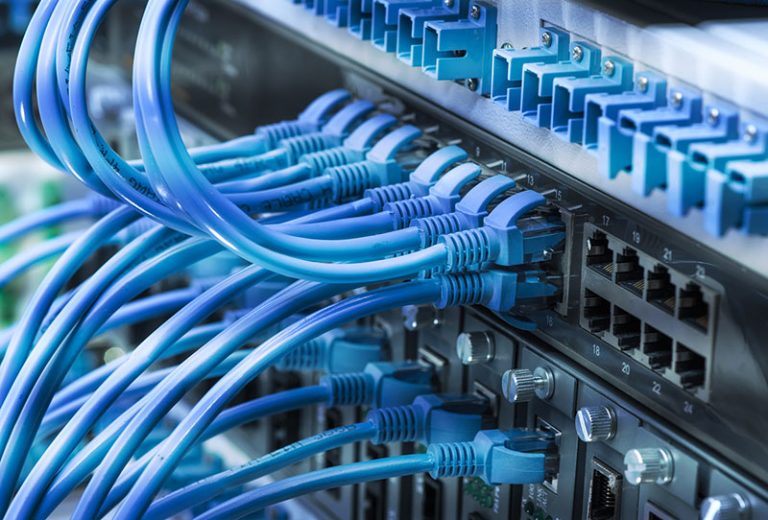
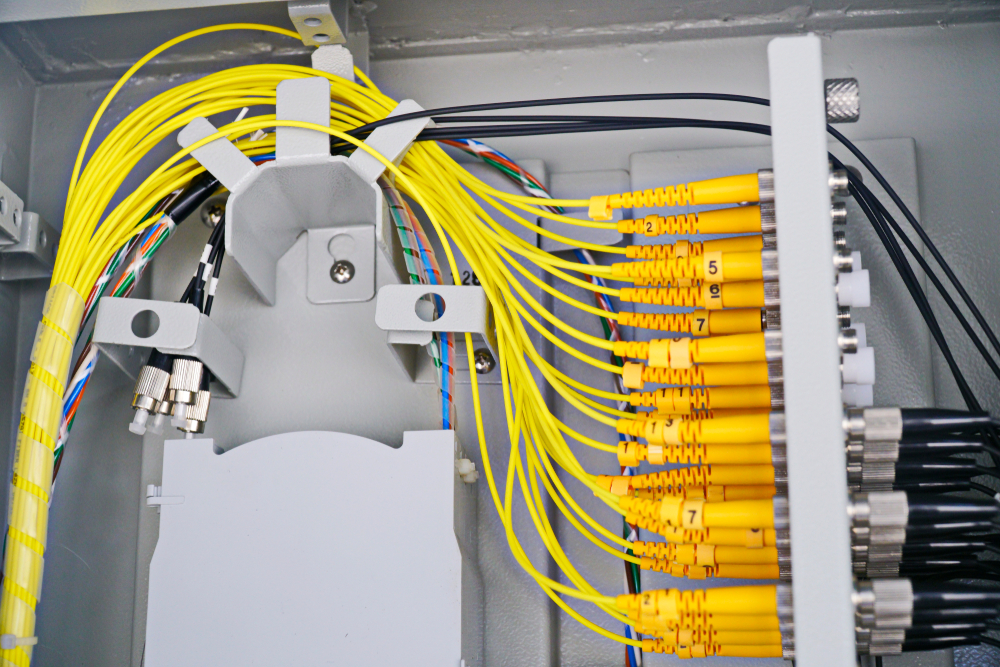
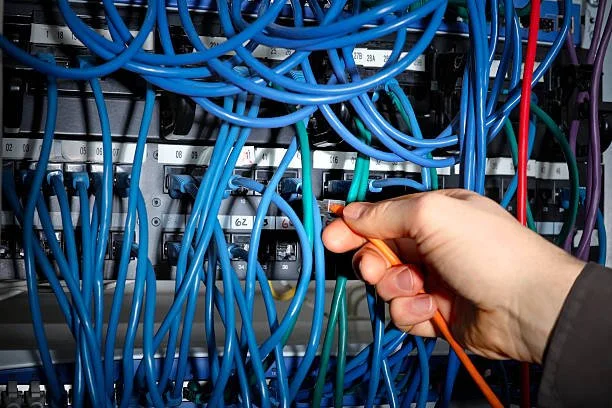
Messy wiring closets and cable runs organized, labeled, and documented properly for long-term maintainability.
Cable Management Installation
Wiring Closet Cleanup & Remediation
Cable Labeling & Documentation
Why Enterprise WiFi Starts with the Cabling, Not the Access Points
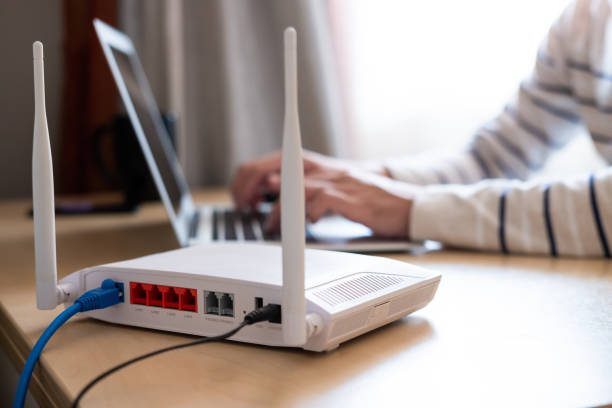
There’s a common misconception that WiFi is wireless — and therefore doesn’t need structured cabling. In reality, every enterprise wireless access point requires a wired Cat6 or Cat6A home run back to the network switch. The wireless is only the last few metres. The performance, reliability, and PoE power delivery of your entire WiFi network depends entirely on the quality of the structured cabling infrastructure underneath it.
We see this problem constantly in Los Angeles offices. A business buys Cisco Meraki or Ubiquiti UniFi access points, has a general contractor run Cat6 cable to each location, and the WiFi performs badly or intermittently for years. The cause is almost always the cabling: poorly terminated connections losing signal, Cat5e cable that can’t deliver full PoE+ power to the AP, or a 55-metre run using Cat6 instead of Cat6A that can’t sustain 10G to the switch. At LA Data Cabling Installation, we provide professional wireless access point and WiFi installation services designed for fast, secure, and reliable connectivity.
Cat6A Mandatory for WiFi 6E APs
WiFi 6E APs with full tri-band capability require PoE++ (90W). Cat6A is the only copper category that reliably delivers 90W at 100m. Cat6 at 100m cannot carry PoE++ safely due to heat buildup in the cable bundle.
10G Uplink to Switch
WiFi 6 APs can exceed 1 Gbps aggregate throughput in high-density environments. Cat6A supports 10GBASE-T to 100m — ensuring the access point is never the bottleneck on your network.
TIA-568 Certified Testing
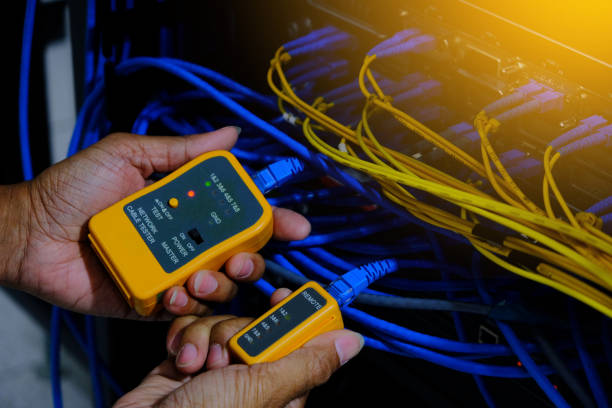
Every WAP home run is tested with a Fluke DSX-8000 CableAnalyzer to Level IV or TIA-568.2-D certification. You receive test reports for every run — the same documentation your AP vendor’s warranty requires.
Plenum-Rated Cable
Most Los Angeles commercial buildings have plenum-rated ceiling spaces. We specify and install CMP-rated (plenum) Cat6A throughout — required by LA fire code for cable in air-handling spaces and essential for building permit compliance.
Wireless Access Point Installation — Los Angeles
WAP installation is the physical work of mounting access points and running the Cat6A structured cabling that powers and connects them. We handle the complete cabling scope — from the IDF patch panel, through ceiling plenums, to each AP mounting location — so your network team or managed service provider can focus on the configuration.
We install wireless access points for commercial businesses across Los Angeles — single-floor offices in Santa Monica, multi-floor buildings in Century City, warehouses in the South Bay, and everything in between. We work from your AP placement plan or, if you don’t have one, we can perform a predictive site survey and produce a placement plan before cabling begins.
Ceiling Mount Installation
T-bar drop ceiling, hard ceiling, and drywall ceiling AP mounting. Proper backing plates and anchors, low-profile mounting, and cable routing that keeps the plenum space clean and maintainable.
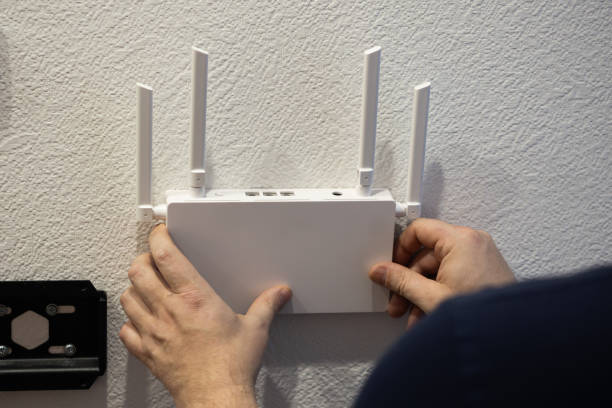
Wall Mount Installation
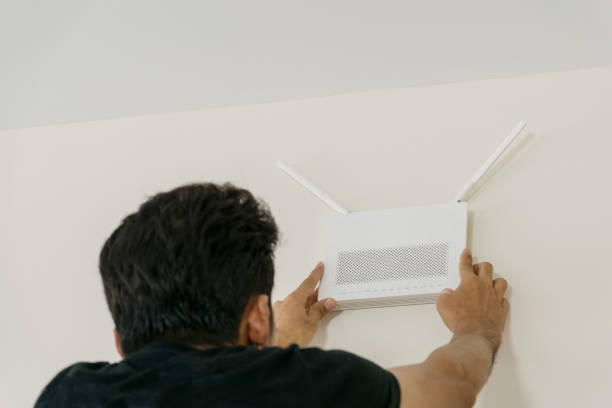
Wall-mount APs for corridors, hallways, and spaces where ceiling mounting isn’t possible. Bracket and backbox installation, in-wall cable routing where required, and proper AP orientation for coverage pattern.
Outdoor AP Installation
Weatherproof outdoor access point mounting for patios, courtyards, parking structures, and building exteriors across LA. Proper conduit, weatherproof junction boxes, UV-rated cable, and grounding for outdoor installations.
High-Ceiling & Industrial
Warehouse, distribution center, and high-bay mounting in Los Angeles industrial facilities. Pole mounts, suspended grid mounts, and directional AP positioning for elongated coverage in high-ceiling environments.
Cat6A Home Run Cabling
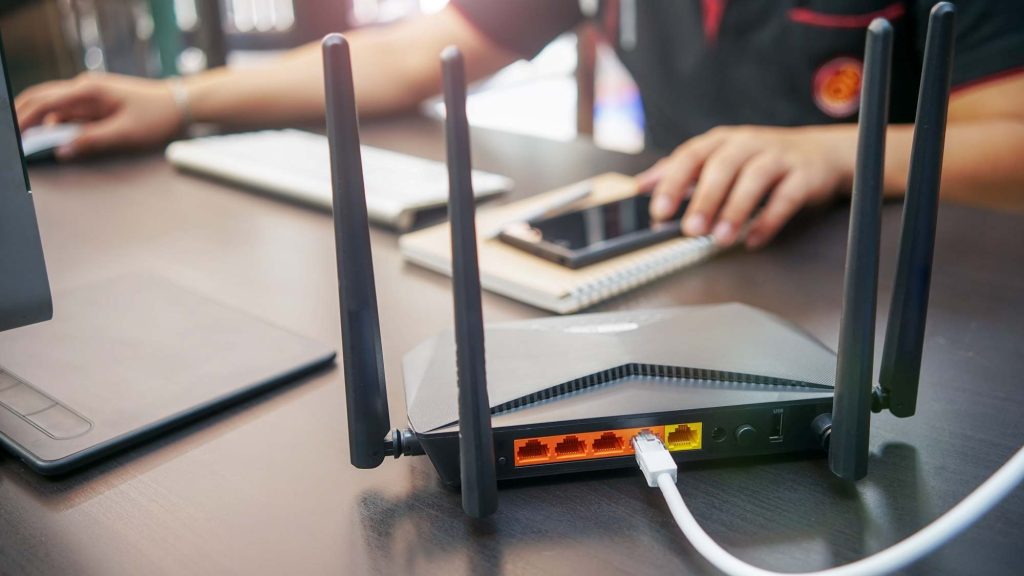
CMP-rated Cat6A from each AP location back to the IDF. Every run is a dedicated home run — never daisy-chained. Properly dressed into cable management, terminated at the patch panel, and tested before the AP goes up.
PoE Switch & Patch Panel
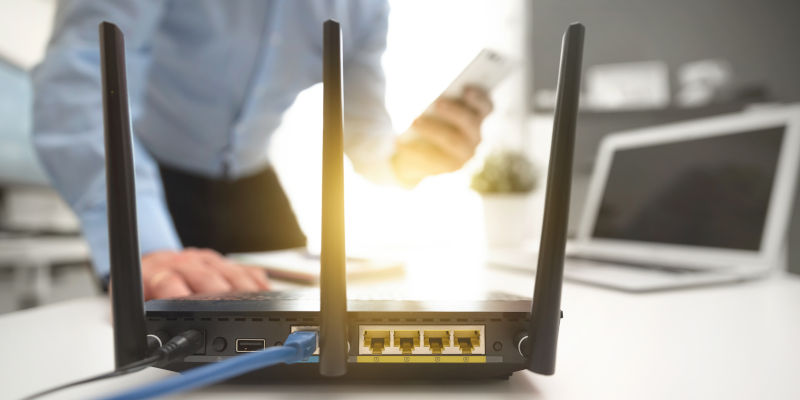
PoE and PoE+ switch port identification and patch cord installation at the IDF. We coordinate with your network team on which switch ports serve which APs, and deliver port labelling that makes managing the wireless network straightforward.
What’s Included
Cat6A (CMP plenum-rated) home run from IDF to each AP location
AP mounting bracket and hardware installation (ceiling, wall, or pole)
Patch panel port termination at IDF, labelled to AP ID
Level IV or TIA-568.2-D test certification for every run
Port map: patch panel port → cable run → AP location
AP locations marked on floor plan (as-built)
Photo documentation of each AP installation and IDF
WiFi Network Design & Installation — Los Angeles
A properly designed WiFi network starts before any cable is pulled. AP placement that looks logical on a floor plan often performs badly in practice — because concrete columns, glass partitions, reflective surfaces, and co-channel interference patterns in real Los Angeles buildings behave differently from what an architectural floor plan suggests.
We offer a full WiFi design service that includes a pre-installation site survey, predictive RF modelling using industry-standard tools, an AP placement plan with coverage heat maps, cabling design, full physical installation, and a post-installation validation survey to confirm coverage matches the design. The result is a WiFi network you can point to the documentation and prove was designed correctly — not just placed by eye.
Pre-Installation Site Survey
We walk every square foot of your LA location with a wireless survey tool, logging the RF environment, identifying interference sources, mapping signal attenuation through walls and floors, and characterising the existing wireless landscape before the design begins.
Predictive RF Modelling
Using the site survey data and building floor plans, we build a predictive RF model that simulates signal coverage, channel utilisation, and AP density for the entire space. You see a heat map of expected coverage before a single cable is pulled or AP mounted.
AP Placement Plan
A formal AP placement drawing showing every access point location, mounting type (ceiling/wall), AP model, coverage radius, and channel assignment — drawn to scale on your floor plans and delivered as a PDF before installation begins.
Cabling Design
Cat6A home run routing from IDF to each AP location, with pathway planning that minimises run length while maintaining clean, organised cable routes. Cable schedule showing every run ID, length, and endpoints.
Full Physical Installation
Complete Cat6A cabling, patch panel termination, AP mounting, and all physical infrastructure. Coordinated with your IT team’s schedule and the building’s access requirements — including after-hours and weekend installs for occupied LA buildings.
Post-Installation Validation
After the APs are configured and live, we perform a post-installation wireless survey to validate that coverage matches the predictive design. Any gaps or unexpected interference are identified and resolved. You receive a final heat map report showing actual measured coverage.
WiFi Design Deliverables Package
Pre-installation site survey report including RF environment analysis
Predictive coverage heat maps by floor (signal strength, data rate, channel utilisation)
AP placement plan drawing (to scale, with AP IDs, mounting type, and channel plan)
Cat6A cabling design and cable schedule
Complete physical installation with all cabling tested and certified
Post-installation validation survey report with actual measured coverage heat maps
As-built floor plan showing all AP locations, cable runs, and IDF connections
WiFi 6 & WiFi 6E Installation in Los Angeles
WiFi 6 (802.11ax) and WiFi 6E are the current generation of enterprise wireless standards — and they demand more from the physical infrastructure than any previous generation. If your LA office is upgrading to WiFi 6 or planning a new deployment, here’s what the cabling requirements look like.
If your current WiFi 5 deployment used Cat6 cabling, a WiFi 6 upgrade may require re-cabling. Cat6 can deliver enough power for basic WiFi 6 APs over shorter runs, but cannot reliably carry PoE++ for advanced WiFi 6/6E APs over the full 100-metre distance due to heat buildup in bundled cables. We assess your existing cabling during a site visit and give you an honest recommendation — sometimes the existing Cat6 is adequate, sometimes it needs to be replaced. We don’t upsell unnecessarily, but we won’t recommend leaving infrastructure in place that will limit your wireless performance.
New WiFi 6 / 6E Deployments in Los Angeles
For new deployments, we install Cat6A as standard for every AP run — no exceptions. WiFi 6E APs require PoE++ (up to 90W), and Cat6A is the only copper category rated to carry 90W reliably at 100 metres. Given that Cat6A costs marginally more than Cat6 on a per-run basis, there is no reasonable argument for installing Cat6 to new AP locations in 2025. We’ve had many LA clients come to us to re-cable WAP runs because the original contractor installed Cat6 and the WiFi 6E APs won’t run at full power.
Data Cabling Services Across Los Angeles County
We serve commercial businesses throughout Los Angeles County and surrounding areas. Our crews are local — based in LA, familiar with every neighborhood.
Downtown LA
Santa Monica
Century City
West Hollywood
Culver City
Hollywood
Koreatown
Mid-Wilshire
Burbank
Glendale
Van Nuys
Sherman Oaks
Woodland Hills
Chatsworth
El Segundo
Torrance
Manhattan Beach
Hawthorne
Inglewood
Pasadena
Alhambra
City of Industry
Long Beach
San Pedro
Compton
Wireless Access Point Brands We Install in Los Angeles
We install the physical cabling and mounting infrastructure for all major enterprise and prosumer WiFi platforms. Your choice of access point brand doesn’t affect our scope — we work with the brand your IT team or MSP specifies, or advise on what’s appropriate for your environment.
Enterprise
Cisco Meraki
The most common enterprise WiFi platform in Los Angeles commercial offices. Cloud-managed, scalable, and well-supported by LA-area managed service providers. We install Cat6A infrastructure for Meraki MR series APs across all configurations.
SMB / Enterprise
Ubiquiti UniFi
UniFi is widely deployed in mid-size LA businesses — excellent performance for the price point. We install cabling for the full UniFi AP lineup including U6 Pro, U6 Enterprise, and the U6 Mesh. On-site controller or cloud key configurations both supported.
Enterprise
Aruba (HPE)
Aruba access points are common in LA healthcare, education, and enterprise environments where advanced features like Aruba AirMatch and AI-based RF management are valued. We install physical infrastructure for the Aruba 500 series and above.
High-Density
Ruckus Networks
Ruckus is the preferred platform for high-density Los Angeles environments — hospitality, stadiums, event venues, and dense office environments. BeamFlex+ antenna technology requires precise mounting for best performance. We mount per Ruckus specifications.
Enterprise
Extreme Networks
Extreme Networks (formerly Aerohive) is common in LA education and government environments. We install physical infrastructure for AP 305 through AP 650 series access points with proper Cat6A home run cabling.
AI-Driven
Juniper Mist
Juniper Mist AI is a growing presence in LA enterprise deployments — cloud-based management with AI-driven RF optimisation and location services. We install Cat6A infrastructure for the Mist AP21, AP41, AP43, and AP45 series.
Why Los Angeles Businesses Choose Us for Wireless Infrastructure
Most WiFi problems are cabling problems. We fix the physical layer first — properly.
Cabling Contractors, Not Just Installers
We’re C-7 licensed structured cabling contractors who also install wireless infrastructure — not general IT installers who happen to run some cable. Every WAP home run is installed to TIA-568.2-D standards, tested with a Fluke DSX-8000, and certified. This matters: a contractor who installs Cat6A to your APs without certification testing is just hoping the terminations are good. We know they are.
Cat6A as Standard Always
We don’t install Cat6 to access points. Ever. Cat6A is the standard for WAP home runs because it supports PoE++, 10GBASE-T, and doesn’t create thermal issues in bundled cables at higher wattage. The incremental cost over Cat6 is small. The performance and future-proofing benefit is significant. This is non-negotiable in our scope because we’re not willing to install infrastructure we know will limit your wireless network.
CA C-7 Licensed for LA Commercial Work
California requires a C-7 Low Voltage Contractor License for commercial cabling work — including the Cat6A home runs to your access points. This isn’t just a formality: it means we’re bonded, insured, and legally authorised to perform the work in any LA commercial building. Many IT technicians who “run cable” do not hold this license.
LA Building Experience
We’ve pulled cable in occupied high-rises on Wilshire, through concrete walls in Burbank studio facilities, across open-plan tech offices in Playa Vista, and in active warehouse floors in the South Bay. We know how to navigate building management, ceiling access restrictions, plenum-rated cable requirements, and after-hours scheduling in Los Angeles commercial buildings.
Site Survey & Validated Design
We can provide a predictive site survey and validated WiFi design — not just “put an AP in each corner.” Our post-installation validation survey proves the coverage matches the design with documented heat maps. If something doesn’t perform to spec, we identify the cause and fix it.
Full Documentation Delivered
At project close you receive: as-built floor plan with AP locations, port map from AP to patch panel port, test reports for every run, and photo documentation. Your IT team knows exactly what was installed, where every cable goes, and which switch port powers which access point.
CA C-7 Low Voltage License
BICSI Registered Installer
Cat6A PoE++ Infrastructure
Fluke DSX-8000 Certification
CMP Plenum-Rated Cable
WiFi 6 / 6E Ready
RF Site Survey Capability
Our WiFi Installation Process in Los Angeles
From site visit to validated coverage — a consistent, documented process for every LA wireless project.
Site Visit & Assessment
We visit your Los Angeles location to walk the space, assess building construction (wood-frame, concrete, masonry, glass), identify the IDF location and existing network infrastructure, note ceiling type and access, and understand your coverage requirements. For larger spaces and design-led projects, we bring survey equipment to characterise the RF environment.
AP Placement Plan & Cabling Design
For WAP installation projects where you have an existing AP placement plan, we review it and flag any concerns before quoting. For design-led projects, we produce a predictive RF model and AP placement plan based on the site survey. In both cases, we produce a cabling design showing Cat6A run routing, total run count, and IDF termination layout before any cable is pulled.
Fixed-Price Quote
Within 24 hours of the site visit you receive a fixed-price quote covering Cat6A cable and materials, installation labour, mounting hardware, patch panel termination, and certification testing. No hourly billing, no open-ended estimates. For design projects, design services and post-installation survey are included as a line item.
Cat6A Cabling Installation
CMP-rated Cat6A is pulled from the IDF to every AP location — one dedicated home run per AP. Cables are routed through ceiling plenums with proper hangers, supported at correct intervals, and dressed neatly into the IDF cable management hardware. We coordinate with building management for after-hours ceiling access if required in occupied LA buildings.
Termination & TIA-568 Certification Testing
Every home run is terminated at the IDF patch panel and at the ceiling AP drop. All runs are tested with a Fluke DSX-8000 CableAnalyzer to Level IV or TIA-568.2-D certification standards. Any run that doesn’t pass is re-terminated before the AP goes up. You receive signed test reports for every run.
AP Physical Mounting
Access points are mounted using manufacturer-specified hardware — ceiling T-bar clips, hard ceiling backboxes, wall brackets, or pole mounts as required. Mounting location is confirmed against the AP placement plan before hardware is committed. Cable is properly terminated or left with an appropriate service loop at each AP location.
Documentation & Handoff (+ Validation Survey)
You receive: as-built floor plan with all AP locations and IDs, port map from AP → cable ID → patch panel port, test reports for every run, and a photo set of every AP and the IDF. For design projects, after your IT team or MSP has configured the APs and they’re live, we return for a post-installation validation survey to confirm coverage matches the design — and deliver final heat maps.
WiFi Installation Across Every LA Business Environment
Los Angeles has one of the most diverse commercial building environments in the country — from 1960s concrete towers in Downtown to open-plan creative offices in Culver City to industrial warehouses in the South Bay. Each environment has different WiFi challenges. Here’s how we approach the most common ones.
Downtown LA High-Rises
Concrete-and-steel construction creates significant RF attenuation between floors and in elevator cores. Each floor typically requires its own IDF and dedicated AP runs. We work with DTLA building management for riser access and above-ceiling work, and design AP coverage for the hard-concrete reality — not an open-plan floor plan.
Creative Offices Culver City, Playa Vista, WeHo
Open-plan creative offices with high user density, video conferencing in every corner, and a mix of mobile devices, laptops, and streaming equipment. High-density WiFi 6 deployment with 5 GHz-biased channel plans and sufficient AP density for concurrent associations — not just coverage area.
Entertainment Studios, Burbank, Hollywood, Culver City
Production and post-production environments with high bandwidth demands, RF interference from audio/video equipment, and the need for isolated guest and production networks. Cat6A infrastructure to support 10G uplinks and the PoE++ requirements of enterprise APs in high-density stages and editing suites.
Medical Offices & Clinics
HIPAA-aware WiFi with separate SSID/VLAN for clinical and guest traffic. Reliable coverage in exam rooms with lead-lined walls — which attenuate RF significantly and require AP placement on the correct side of the shielding. We understand the access control and patient privacy requirements in LA medical buildings.
Retail Stores & Showrooms
WiFi for POS systems, inventory management, digital signage, and customer-facing networks in retail environments across LA — from Melrose boutiques to South Bay big-box stores. Night and weekend installation to avoid disruption to business hours.
Warehouses & Distribution Centers
High-bay warehouse WiFi in the City of Industry, Torrance, and Hawthorne corridors — where conventional AP placement provides poor coverage due to racking, equipment, and 30-foot ceilings. Directional APs on poles or suspended mounts, designed for RF coverage in the vertical plane, not just horizontal.
Hospitality & Hotels
In-room WiFi for guest satisfaction, back-of-house operational WiFi, and property management system connectivity for hotels and restaurants across LA. Per-room AP coverage, proper RF segmentation between guest and internal networks, and coverage in outdoor dining and poolside areas.
Multi-Tenant Office Buildings
Shared building WiFi infrastructure or floor-by-floor WiFi for individual tenants in Class A and B office buildings across LA County. We work with building managers and individual tenant IT teams, and understand the cabling constraints of shared telecom rooms and multi-tenant riser access.
Schools & Universities
Campus-wide WiFi for K-12 and higher education institutions across Los Angeles. E-Rate eligible installations, Chromebook and mobile-device optimised deployments, and outdoor coverage for campus common areas. LAUSD and surrounding district experience.
Wireless & WiFi Installation Across Los Angeles County
Our crews are LA-based and serve the entire county — no travel surcharges, no minimum project sizes for local work. We know the buildings, building management requirements, and permit processes across every area we serve.
Los Angeles Core
Downtown LA
Century City
West Hollywood
Santa Monica
Culver City
Hollywood
Mid-Wilshire
Playa Vista
Brentwood
Westwood
Marina del Rey
Koreatown
Entertainment & Media District
Burbank
Glendale
Studio City
North Hollywood
Van Nuys
Sherman Oaks
Woodland Hills
South Bay & Tech Corridor
El Segundo
Torrance
Manhattan Beach
Hawthorne
Inglewood
Redondo Beach
Gardena
East LA / San Gabriel Valley
Pasadena
Alhambra
City of Industry
El Monte
Arcadia
Montebello
Long Beach & Harbor Area
Long Beach
San Pedro
Wilmington
Carson
Compton
WiFi & WAP Installation FAQ — Los Angeles
WAP installation costs in Los Angeles depend primarily on the number of access points and the distance and complexity of the Cat6A home runs. As a rough guide: a single-floor office installation of 5–10 APs typically runs $2,000–$5,000 for cabling and mounting (excluding the AP hardware itself). A 20–40 AP deployment across multiple floors typically runs $6,000–$18,000.
For a full WiFi design project that includes a predictive site survey, AP placement plan, full installation, and post-installation validation survey, add $1,500–$3,000 for the design and survey services on top of the installation cost. We provide fixed-price quotes after a free site survey — so you know the exact number before any work begins.
Three reasons. First, WiFi 6 and WiFi 6E access points require PoE++ (802.3bt, up to 90W) for full performance. Cat6 cable has higher resistance than Cat6A, and in bundled cable runs, heat buildup under high PoE loads is a real concern. The IEEE 802.3bt standard specifically identifies Cat6A as the minimum cable category for reliable 90W PoE++ delivery over 100-metre runs.
Second, WiFi 6 APs can exceed 1 Gbps aggregate throughput in high-density environments, and 10GBASE-T switches are increasingly common at the IDF level. Cat6A supports 10G to 100m. Cat6 only supports 10G to 55m. Your wiring closet in an LA office building may well be more than 55m from some AP locations.
Third, it’s a modest cost difference on a per-run basis that eliminates the risk of needing to re-cable when you upgrade to the next generation of APs. We’ve been called to re-cable Cat6 WAP runs in LA offices for exactly this reason. We’d rather install it right the first time.
We install the physical layer: Cat6A structured cabling, patch panel termination, and AP mounting hardware. We do not configure WiFi SSIDs, VLANs, wireless controllers, guest portals, or any logical network settings. That’s the scope of your IT team or managed service provider.
This division of responsibility is by design. A C-7 licensed structured cabling contractor is the right specialist for the physical infrastructure. Your IT team or MSP is the right specialist for the logical configuration. Our work is done before the APs are powered on — we hand off certified cabling, a port map, and a photo set so your IT team has everything they need to configure and commission the wireless network.
AP density depends on coverage area, building construction, and user density — not just square footage. A rough rule of thumb for standard Los Angeles commercial office environments: one WiFi 6 AP covers 1,500–2,500 sq ft in typical wood-frame or drywall construction, or 1,000–1,800 sq ft in concrete construction (common in DTLA and older LA commercial buildings).
However, density deployments for high user counts require more APs than coverage-only calculations suggest — because each AP can serve a limited number of concurrent clients well. For an office where every desk has a laptop and a phone, a proper density calculation based on client count and expected throughput requirements is more accurate than a square footage estimate. This is one of the reasons we offer predictive site surveys for larger LA deployments rather than just giving you an AP count from the floor plan.
Yes. WAP cabling installation is one of our most frequently done “occupied building” projects. The work involves opening ceiling tiles, pulling cable through the plenum, and closing up — which is typically disruptive for 10–20 minutes per AP location. For busy open-plan offices in LA, we schedule ceiling work early morning (6–8am) before staff arrive, or on weekends.
The IDF work — patch panel termination and labelling — can be done during business hours if the IDF closet is accessible. We coordinate the full schedule with your office manager and building management, and handle COI requirements for buildings that require them. We’ve installed WAP cabling in active law firms, medical clinics, financial services offices, and creative agencies across Los Angeles without a single complaint about business disruption.
In most cases, low-voltage cabling work inside an existing tenant space in Los Angeles does not require a building permit. However, permits may be required for penetrations through fire-rated walls or floors (which require firestopping) and for work in new construction. The C-7 license we hold is always required regardless of whether a permit is needed — it’s the California licensing requirement for commercial low-voltage work.
For any WAP installation that involves penetrating rated assemblies (common in buildings with fire-rated corridor walls or floor-to-floor rated assemblies), we use listed firestopping systems and document the penetration. We identify these requirements during the site survey and include firestopping materials in the project scope where needed.
The most common root causes of WiFi problems in Los Angeles commercial offices are: (1) too few access points for the space or user count — a coverage problem; (2) poorly terminated or untested cabling causing marginal connections that drop under load; (3) incorrect PoE classification causing APs to operate in reduced-power mode; (4) too many APs on the same channel causing co-channel interference; and (5) incorrect channel width configuration.
Issues 2 and 3 are physical-layer problems we can diagnose and fix. We use a Fluke DSX-8000 to test every run and identify marginal terminations, and we can measure actual PoE power delivery to each AP. Issues 1, 4, and 5 are typically configuration or design problems your IT team or MSP should address. We can do a physical infrastructure audit to separate what’s a cabling problem from what’s a configuration problem — often the answer is both, and we handle the physical side.
A WiFi site survey is a physical walkthrough of the space using specialised wireless survey software to characterise the RF environment — measuring signal strength, noise floor, interference sources, and RF attenuation through walls and floors. The data is used to build a predictive model that tells you how many APs you need, where to place them, and what channel plan will minimise co-channel interference.
You need a site survey for any space over roughly 5,000 sq ft, any building with concrete or masonry construction (very common in Los Angeles), any high-density environment, any space where your previous WiFi design performed badly, and any environment where WiFi is business-critical. For a straightforward small office under 3,000 sq ft in a standard wood-frame or drywall building, a site survey is often not necessary — an experienced installer can place APs correctly based on experience. We’ll advise you honestly which approach your situation requires.
What Los Angeles Businesses Say About Our WiFi & WAP Work
★★★★★ 5.0 · 127 Google Reviews — from offices, studios, medical facilities, and warehouses across LA County.
“We upgraded our Playa Vista office to WiFi 6 and the previous contractor had run Cat6 to all our APs. LA Data Cabling came in, tested everything, showed us which runs would limit our new Cisco Meraki APs, and re-cabled the affected drops with Cat6A. Every run was certified and we got the full PoE++ power delivery the APs needed. WiFi performance immediately doubled.”
James T. IT Director · Technology Company, Playa Vista
“Our Burbank production facility has notoriously difficult WiFi — concrete walls everywhere and lots of RF interference from equipment. LA Data Cabling did a proper site survey, showed us exactly why our previous WAP placement was wrong, and designed a new layout with the right AP density. Post-install survey confirmed every room hit the target signal strength. Finally have reliable WiFi in this building.”
Carol R. Operations Manager · Production Facility, Burbank
“Large Ubiquiti UniFi deployment across three floors of our Century City office — 32 APs, all Cat6A. Everything done after hours over two weekends so we had zero business disruption. Cabling was immaculate, every run certified, and the port map they delivered made our MSP’s configuration job trivial. Exactly the right contractor for this type of work.”
Michael B. Facilities Director · Financial Services, Century City
“Our Torrance warehouse had dead zones covering 40% of the floor space — the original APs were placed completely wrong for a high-bay environment. LA Data Cabling came in, explained exactly why the coverage was failing, designed a pole-mount solution with directional APs, ran new Cat6A, and our warehouse WiFi now covers every square foot. Barcode scanners haven’t dropped a connection since.”
Peter K. Warehouse Manager · Distribution Center, Torrance
The Physical Infrastructure Behind Your Wireless Network
WAP cabling is part of a complete network infrastructure. These services are commonly paired with wireless installations.
Structured Cabling
Cat6A copper cabling for all drops — including the home runs to every access point.